
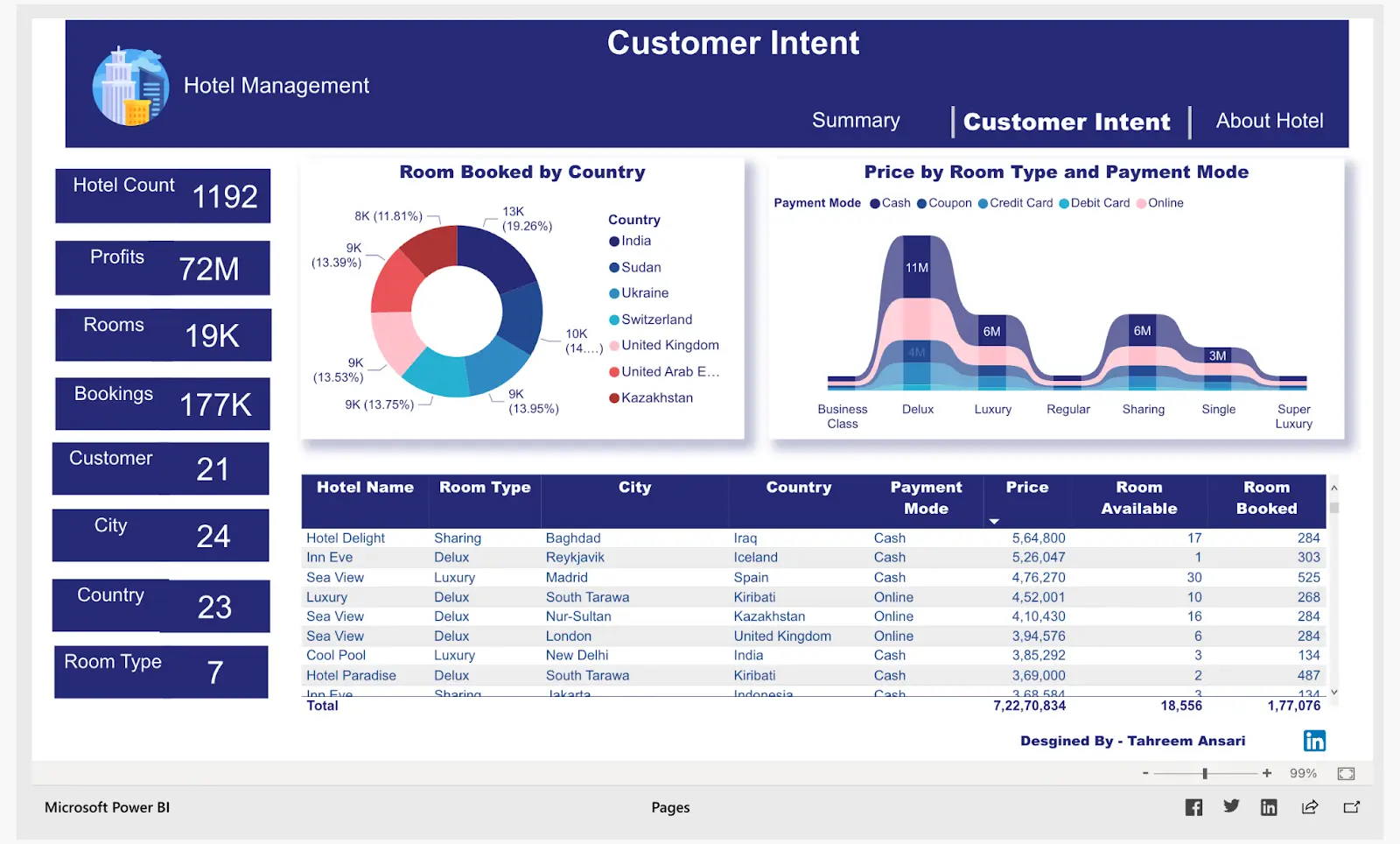
Expert Business intelligence (BI) dashboard design
Master expert Business intelligence (BI) dashboard design principles for effective data visualization and actionable insights. Learn best practices from real-world experience.
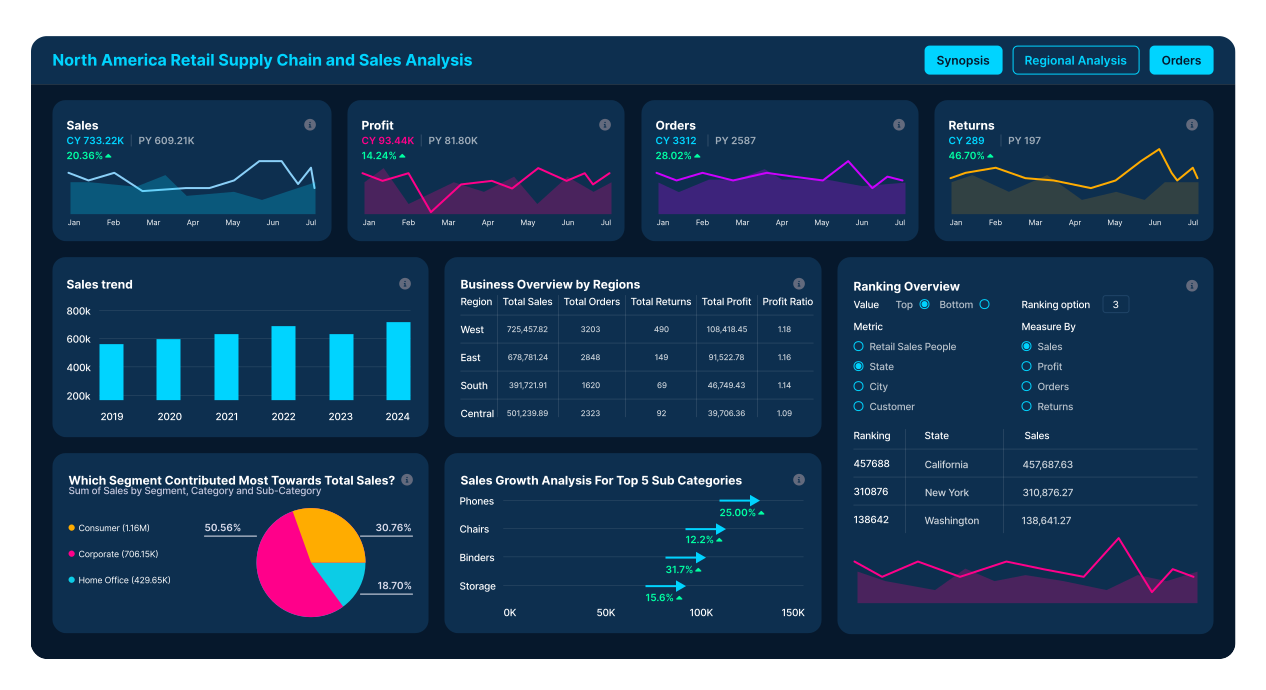
Effective Business intelligence (BI) dashboard design is more than just selecting charts. It involves a deep understanding of user needs, business objectives, and data storytelling. From my years in the field, working with organizations across the US, I’ve seen firsthand how a well-crafted dashboard empowers better decision-making. Conversely, poorly designed dashboards cause confusion, mistrust, and wasted resources. The goal is always clarity, relevance, and actionability, turning raw data into strategic insights that drive measurable outcomes. This requires a methodical approach, balancing aesthetics with rigorous data integrity.
Key Takeaways
- Effective dashboard design aligns directly with business objectives and user needs.
- Data storytelling is crucial; dashboards should guide users to insights, not just display data.
- Prioritize user experience by simplifying complex information and ensuring intuitive interactions.
- Performance optimization is vital for dashboards, ensuring quick load times and responsiveness.
- Iterative design and user feedback are essential for developing impactful BI dashboards.
- Maintain data integrity and accuracy to build user trust in the presented information.
- A strong design involves choosing the right visualization type for the specific data and message.
The Foundation of Effective Business intelligence (BI) dashboard design
Building impactful BI dashboards starts long before data visualization. It begins with a clear understanding of the ‘why.’ What business question does this dashboard answer? Who is the audience, and what decisions will they make using this information? These questions dictate everything from data selection to layout. Without a clear objective, dashboards quickly become data dumps, offering little real value. I always advocate for user workshops at the outset. Engage stakeholders early to identify key performance indicators (KPIs) and metrics that truly matter.
This foundational phase also involves data source identification and ensuring data quality. A dashboard is only as reliable as its underlying data. We must establish robust data governance. For instance, a sales dashboard needs consistent definitions for “new customer” or “revenue.” Different interpretations lead to misleading insights. Prioritizing these foundational steps prevents costly rework and fosters user trust in the final Business intelligence (BI) dashboard design. Clear scope and data accuracy are non-negotiable for success.
Data Storytelling Through Visuals
Data storytelling is the art of communicating insights through visuals, making data accessible and memorable. A dashboard should not just present numbers; it should tell a coherent story, guiding the viewer to key conclusions. This involves careful selection of chart types. Bar charts are excellent for comparisons, while line charts track trends over time. Pie charts, however, are often misused for showing proportional data; a treemap or stacked bar chart often performs better. The key is to match the visualization to the message.
Consider the hierarchy of information. What is the most critical insight? This should be prominent. Use color strategically to draw attention to critical areas or anomalies. Avoid an overload of colors, which can distract rather than clarify. Annotations can further explain spikes or dips, providing context without requiring the user to guess. A well-told data story makes complex data understandable at a glance, enabling quick, informed action.
User-Centric Principles in Business intelligence (BI) dashboard design
Designing for the user is paramount. A successful BI dashboard is intuitive, easy to read, and quick to interact with. Think about how users will consume the information. Are they busy executives needing quick summaries? Or are they analysts needing detailed drill-downs? Their role influences the level of detail and interactivity required. Placing the most important information “above the fold” is a standard practice, minimizing scrolling. Ensure consistent layout and navigation across multiple dashboards.
Accessibility is also a vital consideration. Colorblind-friendly palettes and sufficient contrast ratios are essential. Testing with actual users throughout the design cycle reveals pain points and opportunities for improvement. Users should not need extensive training to understand a dashboard. Simplicity often trumps complexity. A clean interface, clear labels, and logical groupings of data points enhance user experience significantly, making the Business intelligence (BI) dashboard design a valuable tool rather than a frustrating puzzle.
Operationalizing Business intelligence (BI) dashboard design for Impact
The true value of a BI dashboard emerges when it drives operational change. This means integrating dashboards into daily workflows and decision-making processes. For instance, a manufacturing plant might use production dashboards displayed on screens throughout the factory floor. They monitor efficiency and downtime in real time. For a sales team, a daily dashboard review can shape their outreach strategy. The goal is to move from passive viewing to active engagement and response.
Ensuring dashboard performance is also critical for operational impact. Slow loading times or unresponsive filters deter users. Optimize queries and data models. Leverage caching mechanisms where appropriate. Regular maintenance and updates keep dashboards relevant and accurate. Establishing clear ownership for data updates and dashboard governance prevents decay. Ultimately, the best Business intelligence (BI) dashboard design is one that is consistently used, trusted, and contributes directly to improved business outcomes.


